What's New in Klaviyo: 2026 Feature Roundup
Klaviyo shipped major updates in late 2025 and early 2026. Here's what changed, what it means for your email program, and how to use the new features.

Mark Cijo
Founder, GOSH Digital
Klaviyo doesn't stand still. The platform has shipped significant updates over the past year — new features, improved analytics, expanded channel support, and better automation capabilities. Some of these updates flew under the radar while others fundamentally change how you should approach email and SMS marketing.
I've tested all of them with our clients. Here's what actually matters, what's worth adopting immediately, and what you can safely ignore for now.
Enhanced Segmentation Engine
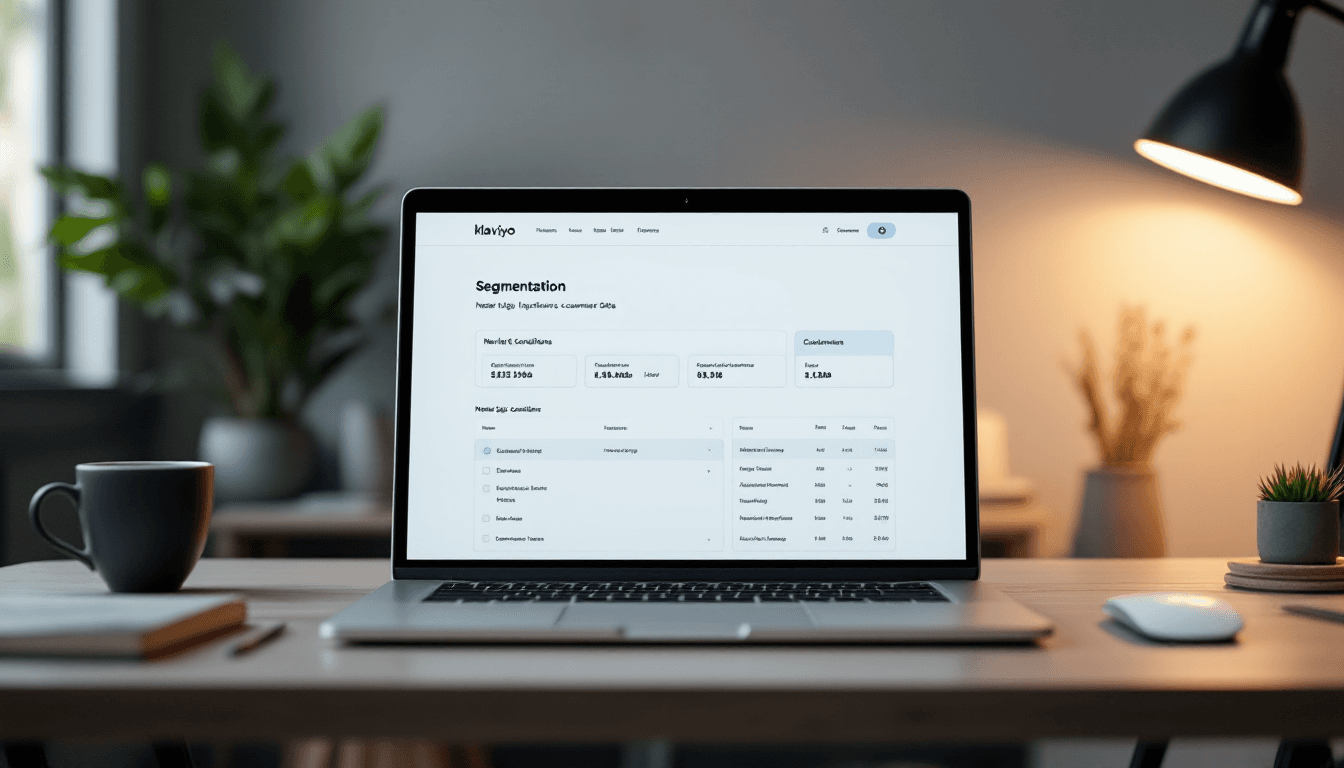
Klaviyo rebuilt their segmentation engine to handle more complex conditions with faster processing. What this means in practice:
Nested conditions. You can now create segments with AND/OR logic nested multiple levels deep. Previously, complex segments required workarounds. Now you can build "Purchased in the last 30 days AND (browsed skincare OR browsed haircare) AND (NOT purchased from either category)" as a single segment.
Faster segment population. Large segments (50,000+ profiles) now calculate in seconds instead of minutes. This matters for brands with large lists who want to send to complex segments without waiting.
Predictive segment builders. Klaviyo now suggests segment definitions based on your goals. Tell it "I want to find customers likely to churn" and it builds the segment using predictive analytics automatically.
What to do with this: Revisit your segment strategy. If you've been using simple segments because complex ones were painful to build, upgrade them. More precise segments mean more relevant campaigns and higher RPR.
Improved Predictive Analytics
Klaviyo's predictive features got a significant upgrade:
Predicted spend tier. Beyond predicted LTV (which existed before), Klaviyo now categorizes customers into spend tiers: "High Value," "Medium Value," "Low Value," and "At Risk." These are pre-built segments you can target immediately.
Product affinity predictions. Klaviyo can now predict which product CATEGORIES a customer is most likely to buy from next, based on their browse and purchase history. This powers hyper-relevant product recommendations in your campaigns.
Optimal send time per profile. Rather than picking one send time for your entire list, Klaviyo can now stagger sends so each recipient gets the email at THEIR optimal engagement time. Early data shows 5-8% open rate lifts from send-time optimization.
What to do with this: Enable send-time optimization on your next campaign. Create segments based on predicted spend tier and test differentiated messaging for high-value vs. at-risk customers.
SMS Improvements
SMS marketing in Klaviyo got several upgrades:
Conversational SMS. Two-way SMS conversations are now more sophisticated. Customers can reply with keywords that trigger specific responses or flow actions. "Reply REORDER to repurchase your last order" — and the system processes it.
SMS analytics overhaul. Revenue attribution for SMS is now more granular. You can see revenue per SMS message, per flow, and per campaign with better attribution windows.
MMS improvements. Sending images via MMS (multimedia messages) now has better rendering, higher resolution support, and more reliable delivery. Product images in text messages look better and drive higher engagement.
Toll-free verification streamlined. The process of verifying toll-free numbers (required for SMS sending) is now faster and more automated. Getting approved takes days instead of weeks.
What to do with this: If you haven't tried conversational SMS, set up a simple keyword response in your post-purchase flow. "Reply REVIEW to share your feedback" — it captures reviews via text and feels more personal than a link.
Flow Builder Enhancements
The flow builder — where you build your automated sequences — received meaningful updates:
Drag-and-drop improvements. The visual flow builder is now faster and more responsive, especially for complex flows with many branches. Adding conditional splits, moving steps, and rearranging sequences is smoother.
Flow templates library. Klaviyo added a library of pre-built flow templates for common use cases. Instead of building from scratch, you can start from a template and customize. Templates exist for: abandoned cart, welcome series, post-purchase, winback, replenishment, VIP, birthday, and more.
A/B testing in flows. Flow-level A/B testing is now more flexible. You can test not just email content but also timing (30-minute delay vs. 2-hour delay), channel (email vs. SMS for a specific step), and branching logic.
Flow analytics dashboard. A new overview showing all flows' performance in one view — revenue by flow, entry rates, conversion rates, and trend over time. Previously you had to click into each flow individually.
What to do with this: If you've been putting off building new flows because the builder was tedious, revisit it. Start from a template, customize for your brand, and launch. The friction of flow creation has dropped significantly.
Email Design Updates
The email template editor got some requested features:
Saved rows and sections. You can now save not just entire templates but individual sections (rows of content) that you can drop into any email. Build a "product grid" section once and reuse it across campaigns and flows.
Conditional content improvements. Show/hide logic for content blocks now supports more conditions and is easier to configure. Building emails that show different content to different segments within the same send is more accessible.
Mobile preview enhancement. The mobile preview now simulates more accurately how emails render on iPhone and Android devices, including how padding and image sizing behave differently on each.
Accessibility features. The editor now warns you about contrast issues (text too light on background), missing alt text on images, and other accessibility problems. This helps you catch issues before sending.
What to do with this: Build out your saved sections library. Create your standard hero section, product grid, testimonial block, and CTA section. Save them all. Future campaign creation drops from an hour to 20 minutes.
Reporting and Analytics
Revenue attribution updates. Klaviyo adjusted their attribution windows to be more configurable. You can now set custom attribution windows (3-day click, 7-day click, etc.) rather than being locked into the default 5-day click / 1-day open.
Cohort analysis. A new report that shows how customer cohorts (grouped by acquisition month) perform over time. You can see whether January's new customers are retaining better or worse than March's, and tie that back to which email flows they experienced.
Deliverability dashboard. A dedicated view showing sender reputation, inbox placement rates, and deliverability health metrics. Previously this data required external tools. Now it's built into Klaviyo.
What to do with this: Check your deliverability dashboard monthly. Set your attribution window to match your buying cycle (shorter for impulse products, longer for considered purchases). Use cohort analysis to evaluate whether your welcome series improvements are working.
Integration Expansions
Klaviyo expanded its integration ecosystem:
Shopify integration deepened. Better inventory-aware email content (automatically hide out-of-stock products from dynamic blocks), deeper customer metafield sync, and improved Shopify POS data flowing into profiles.
Review platform integrations. Tighter integrations with Judge.me, Stamped, and Loox for pulling review data into email personalization. Show a customer's own review score in winback emails, or feature recent reviews dynamically.
Loyalty platform integrations. Smile.io and LoyaltyLion integrations now sync point balances, tier status, and available rewards to Klaviyo profiles. Use these properties for segmentation and personalization.
What to do with this: Check your existing integrations. If your review app or loyalty platform updated their Klaviyo integration, you might have new data available for personalization that wasn't there 6 months ago. Check profile properties for new fields.
What to Prioritize
Not every update needs immediate action. Here's the priority:
This week: Enable send-time optimization on your next campaign. Check your deliverability dashboard. Review new profile properties from updated integrations.
This month: Build a saved sections library. Create segments using the new predictive spend tiers. Set up one conversational SMS response in a flow.
This quarter: Rebuild complex segments using the enhanced engine. Try cohort analysis on your recent customer data. A/B test flow timing using the improved flow tester.
When you need it: Explore the flow template library next time you build a new flow. Use the accessibility checker in the editor for your next template refresh.
Since this roundup: Klaviyo's September conference added Klaviyo Headless, SQL in the Klaviyo Data Platform, and a Personalization layer. Our K:BOS 2026 breakdown sorts what to use now from what to park.
What To Do Right Now
Log into Klaviyo. Go to your account settings and check for new features you haven't enabled. Check the segments section for any new suggested segments. Look at the analytics section for the deliverability dashboard.
Related Reads
- Email Design Trends for eCommerce in 2026
- Email Marketing for Supplement Brands
- Email Marketing for Fashion Brands
Then pick one new feature from this list and implement it this week. The brands that stay current with platform updates consistently outperform those that set up Klaviyo once and never revisit their configuration.
If you want help implementing these new features and optimizing your Klaviyo setup for the latest capabilities — book a call with our team. We stay on top of every platform update so your email program always uses the best available tools.

Written by Mark Cijo
Founder of GOSH Digital. Klaviyo Gold Partner. Helping eCommerce brands grow revenue through data-driven marketing.
Book a free strategy call →