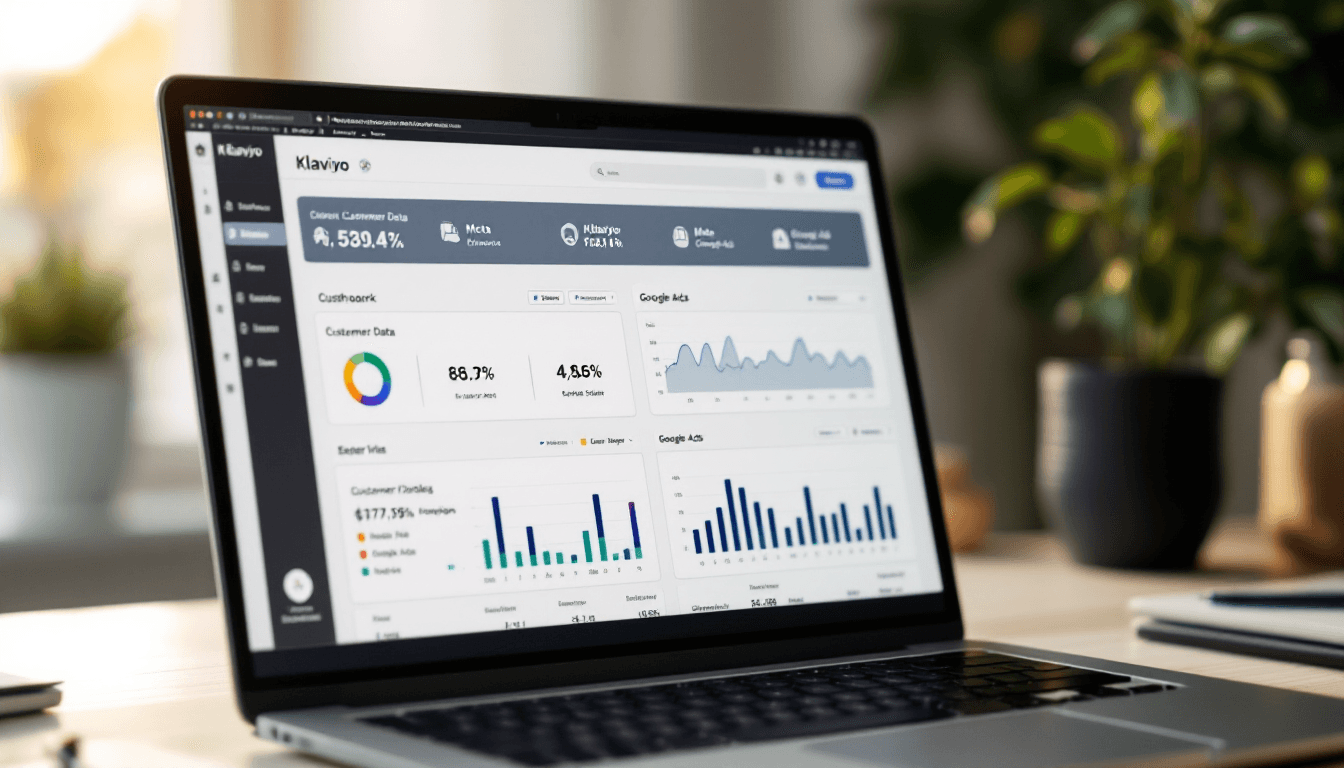
Meta's Customer Lifecycle Strategy is Open to Everyone (How to Feed It Klaviyo Lists)
Meta opened Customer Lifecycle Strategy to all advertisers on 6 Oct 2026. Here's how to exclude existing customers with Klaviyo audience sync.

Mark Cijo
Founder, GOSH Digital
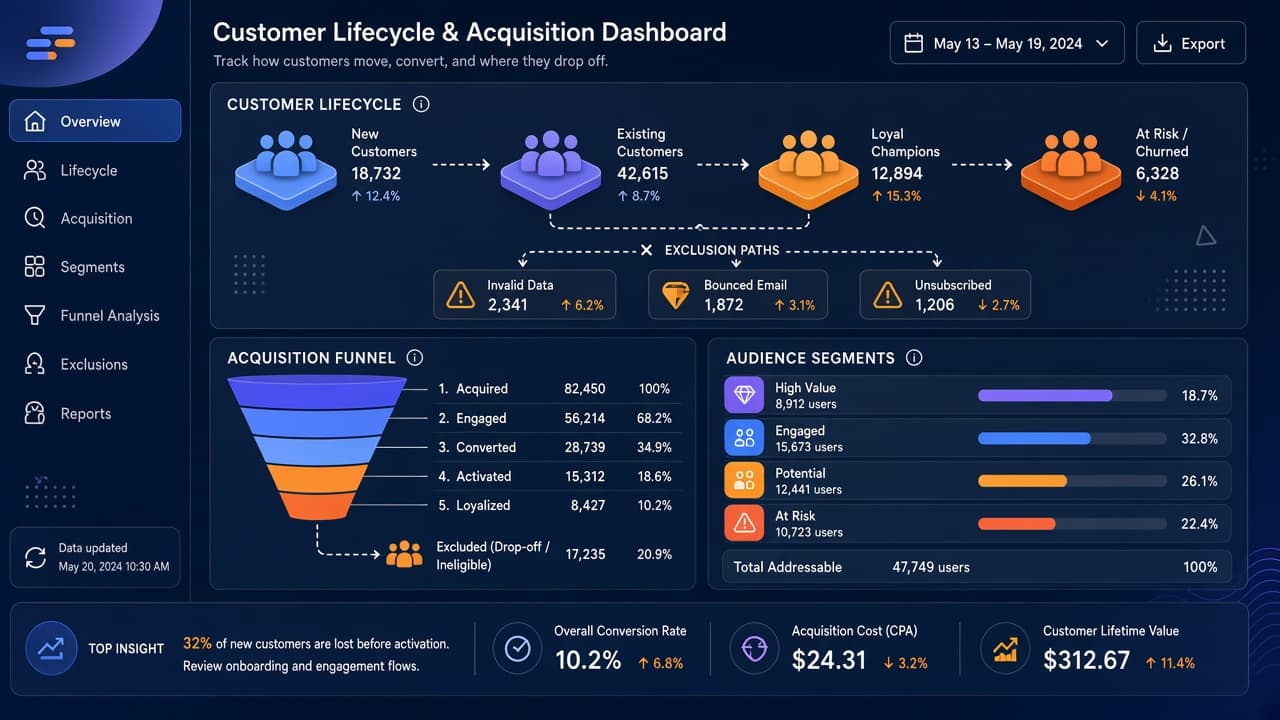
Meta opened Customer Lifecycle Strategy to all advertisers on 6 October 2026. It lets you exclude existing customers from acquisition campaigns without manually building exclusion lists from scratch. If you're syncing Klaviyo segments to Meta, this feature's built for you.
Here's what the new feature actually does, how to set it up with Klaviyo customer lists, and why it's different from the manual exclusions you've probably been using already.
What Is Meta's Customer Lifecycle Strategy?
At Advertising Week New York on 6 October 2026, Meta announced Customer Lifecycle Strategy is now available to all advertisers. It's a campaign-level setting under Sales objective campaigns that helps you mark a campaign as acquisition-focused, which then triggers Meta's specialized algorithmic treatments to exclude existing customers and maximize reach to genuinely new prospects.
The feature was in testing before this. The 6 October announcement made it broadly available — meaning every Meta advertiser can access it as of that date.
Here's what Customer Lifecycle Strategy actually is: when you create a Sales campaign in Meta Ads Manager, you'll see a new option in the ad set called "Customer lifecycle strategy." You can choose "Get conversions from all audiences" (the default) or "Acquire new customers" (the new option).
When you choose "Acquire new customers," Meta asks you to select custom audiences representing your existing customers, then excludes them and applies delivery optimizations designed to find new people specifically.
Meta also announced they're testing Audience Labels — a one-click way to exclude an entire group of existing customers with a single toggle. That's still in testing. Customer Lifecycle Strategy's exclusion recommendations are what's live as of October 2026.
For ecommerce brands already running Klaviyo and Meta Ads side by side, this feature closes the loop on a workflow most of us were already doing manually. The difference: Meta now treats acquisition campaigns differently at the algorithmic level, not just at the audience level.
Why Is Customer Lifecycle Strategy Different from Manual Exclusions?
You could always exclude custom audiences manually. Go to your ad set's audience settings, click "Exclude," select your customer audience. Done.
Customer Lifecycle Strategy is different. It's not just an exclusion toggle — it's a campaign-level signal that tells Meta's delivery system the campaign's purpose is acquisition.
Meta says it applies "specialized treatments to enhance exclusion coverage and maximize reach to new customers."
What that means in practice: Meta's algorithm adjusts how it optimizes delivery. Instead of just blocking your known customer list, it tries to avoid serving to people who look like existing customers (based on Meta's internal signals) even if they're not on your list.
The goal's preventing acquisition budget from reaching people who already buy from you through other channels or devices that your pixel didn't catch.
The technical term for this is "exclusion coverage." Basic audience exclusions only block exact matches. Customer Lifecycle Strategy adds a layer that reduces bleed-through — the percentage of your ad spend that ends up reaching existing customers anyway because they used a different email, cleared cookies, or bought in-store where your tracking doesn't capture them.
For DTC brands spending serious money on Meta prospecting, this's the difference between 15% waste and 5% waste. At scale, that's real money.
How Do I Set Up Customer Lifecycle Strategy with Klaviyo?
If you're already syncing Klaviyo segments to Meta as custom audiences, you're halfway there. If you're not, here's the full setup.
Step 1: Sync your customer segment from Klaviyo to Meta
In Klaviyo:
- Go to Integrations → Meta Ads
- If you haven't connected Meta yet, follow Klaviyo's integration setup
- Once connected, click Custom audiences → Add connection
- Select a Klaviyo segment representing existing customers — typically "Placed Order at least once" or "Placed Order at least once in the last 180 days"
- Choose or create a Meta custom audience to sync it to (you can create one directly in Klaviyo by typing a new name)
- Save the connection
Klaviyo pushes email addresses to Meta in a one-way sync. Meta matches them against real Facebook and Instagram profiles. Match rates vary with data quality and how many subscribers use the same email on Meta. Meta recommends including phone numbers alongside email addresses to improve match rates, since each identifier gives Meta another way to match profiles.
Klaviyo pushes updates to Meta hourly, but Meta may take 24-48 hours to process changes as people enter or leave your Klaviyo segment.
Minimum size: 100 matched profiles. If your segment's too small, Meta won't let the audience serve. Broaden the definition or wait for it to grow.
For detailed Klaviyo-Meta sync troubleshooting, our complete Klaviyo setup guide for Shopify covers the integration foundations that make audience sync work cleanly.
Step 2: Enable Customer Lifecycle Strategy in Meta Ads Manager
In Meta Ads Manager:
- Create a new campaign with Sales objective (Customer Lifecycle Strategy only works with Sales)
- At the ad set level, scroll to Customer lifecycle strategy
- Choose Acquire new customers
- Under "Exclude existing customers," select the Klaviyo-synced custom audience you just created
- Optionally toggle "Also exclude engaged audiences" if you want to block warm traffic too (followers, site visitors, video watchers in the last 30-180 days)
That's it. Meta now treats this campaign as acquisition-focused and optimizes accordingly.
Step 3: Set realistic expectations for cost per result
Meta warns that CPA will likely increase when you switch to Customer Lifecycle Strategy. That's not a bug — it's the feature working. You're shrinking your audience to only new prospects, which means less inventory for Meta to optimize across, which means higher cost per result.
The trade-off: each conversion's coming from a genuinely new customer, not someone who would've bought anyway because they're already subscribed to your email list.
Measure success using new customer CPA (tracked in your own analytics or CRM), not blended campaign CPA that Meta reports. Meta doesn't know which conversions came from truly new customers versus repeat buyers using a different device — your own measurement tools do.
If your new customer lifetime value justifies the higher upfront CPA, the feature's working. If not, you're better off keeping "Get conversions from all audiences" and letting Meta optimize for volume.
Running Klaviyo and Meta together but not sure the exclusion setup is right? We cover this in our paid media work. Book a free strategy call and we'll show you exactly how to set up Customer Lifecycle Strategy for your account.
Which Klaviyo Segments Should I Sync to Meta?
Not every Klaviyo segment should feed Customer Lifecycle Strategy. Here's what actually makes sense.
Segments to sync as exclusions:
Placed Order at least once in the last 180 days — Your core customer base. This's the most common exclusion. 180 days captures active buyers without excluding customers who bought once 2 years ago and haven't been back since (those people are valid acquisition targets again).
Subscribed to a list (and hasn't unsubscribed) — If someone's on your email list and opens regularly, they're not a new customer even if they haven't purchased yet. Excluding them from acquisition campaigns prevents paying to reach people you're already reaching via email for free.
Predictive LTV top 20% — Your highest-value customers. If you're using Klaviyo's Predictive LTV, exclude the top tier from acquisition campaigns. These people should be targeted with retention and upsell campaigns instead.
Segments NOT to sync as exclusions:
Engaged in the last 30 days (opened email, clicked, browsed) — Engagement without purchase means they're interested but haven't converted yet. Keep them in your acquisition audience. You want to reach them.
Added to Cart but didn't purchase — Cart abandoners are warm traffic, but they're not customers. Customer Lifecycle Strategy's designed to exclude people who already bought, not people who almost bought. Target cart abandoners with retargeting campaigns, not acquisition.
Placed Order zero times ever — This's everyone who hasn't purchased. That's the audience you're TRYING to reach with acquisition campaigns. Don't exclude them.
The point: only exclude people who've already converted. Everyone else is fair game for acquisition.
How This Fits the Existing Klaviyo-Meta Workflow
If you've been running Klaviyo-synced audiences on Meta for a while, Customer Lifecycle Strategy doesn't replace what you were doing — it enhances it.
Before Customer Lifecycle Strategy: You'd sync a Klaviyo customer segment to Meta, then manually exclude it in every prospecting campaign's audience settings. It worked, but Meta treated the campaign like any other campaign — optimizing for conversions regardless of whether they came from new or existing customers.
After Customer Lifecycle Strategy: You still sync the same Klaviyo segment. But now you declare the campaign's purpose (acquisition), and Meta optimizes delivery differently — trying to find people similar to your best new-customer conversions, not just any conversions.
The difference's subtle in setup, but meaningful in results. Customer Lifecycle Strategy's designed to reduce wasted impressions on existing customers compared to manual exclusions alone, though the exact improvement varies by account based on tracking quality and audience overlap.
For a full breakdown of how this workflow sits alongside cart recovery, email non-opener retargeting, and LTV lookalike prospecting, our complete Klaviyo + Meta Ads integration playbook covers the six plays that drive the most revenue for DTC brands.
What Are the Most Common Customer Lifecycle Strategy Mistakes?
Excluding too broadly. If you exclude anyone who's ever visited your site or engaged with a post, you're blocking warm traffic that could convert on this campaign. Customer Lifecycle Strategy's designed to exclude purchasers, not browsers. Keep engaged audiences in your reach unless you're explicitly running a cold-only prospecting test.
Not refreshing the sync. Klaviyo's auto-sync toggle's off by default on some accounts. If you set up the custom audience once and never checked back, your Meta audience could be months out of date. Go to Klaviyo → Integrations → Meta Ads → Custom audiences → [your audience] and verify "Sync automatically" is on.
Using this on retargeting campaigns. Customer Lifecycle Strategy's for acquisition only. If you turn it on for a retargeting or cart recovery campaign, you'll block the exact people you're trying to reach. Keep it off for any campaign where repeat purchases or warm traffic is the goal.
Ignoring your CRM's customer definition. Meta doesn't know what "existing customer" means for your business. If your definition's "anyone who's purchased in the last 12 months," make sure the Klaviyo segment you're syncing matches that definition.
Don't sync "Placed Order at least once ever" and expect Meta to exclude only recent customers — it'll exclude everyone who's ever bought, even if they churned 3 years ago.
Launching without testing the match rate. If your Klaviyo segment has 10,000 subscribers but only 3,000 match on Meta (30% match rate), your exclusion coverage's weaker than you think. 70% of your existing customers could still see your acquisition ads.
Fix this by collecting phone numbers via SMS opt-ins (phone match rates're higher than email) or by running Meta's pixel on your site to build website custom audiences based on purchase events (pixel-based audiences match at 60-80%).
Should You Turn This On Today?
If you're spending on Meta prospecting and you've got a Klaviyo segment representing your existing customers, yes. Turn it on.
Customer Lifecycle Strategy doesn't cost anything extra. It's a setting. The only downside's increased CPA because you're shrinking your audience — but if you're already trying to exclude existing customers via manual exclusions, you were shrinking your audience anyway. This just does it better.
The brands that benefit most:
- DTC brands spending $10k+/month on Meta prospecting
- Brands with strong email lists (5,000+ subscribers) where customer overlap with Meta's user base is high
- Brands where new-customer LTV is significantly higher than repeat-customer LTV (subscription businesses, high-ticket purchases)
- Brands that've been manually excluding customer audiences for months and want Meta to do the heavy lifting
The brands that should wait:
- Brands with very small customer lists (under 500 people) where Meta's match rate won't hit the 100-person minimum
- Brands where repeat purchases drive most of the revenue and new-customer acquisition isn't the priority right now
- Brands that can't measure new-customer CPA separately from blended CPA (if you can't tell whether the feature's working, don't turn it on until you can)
For most ecommerce brands reading this, the answer's yes. Set it up, let it run for 30 days, measure new-customer CPA against your previous baseline, and decide whether the increased cost per result justifies the improved customer quality.
What's Still in Testing (Audience Labels)
Meta also announced they're testing Audience Labels — a way to exclude an entire group of existing customers with a single click, instead of selecting multiple custom audiences individually.
That feature's not live yet. Meta describes it as "in testing" with no rollout date. When it launches, it'll make multi-segment exclusions cleaner (one label for "All Customers" instead of selecting five different Klaviyo-synced audiences separately). But it's not available in Ads Manager as of October 2026.
The feature you can use as of October 2026 is Customer Lifecycle Strategy with custom audience exclusions. That's live. The rest's coming later.
Ready to Audit Your Meta + Klaviyo Setup?
If you've been running Klaviyo and Meta Ads separately and want to connect them properly — or if you've had them connected but haven't set up Customer Lifecycle Strategy yet — we do this as part of every paid media engagement at GOSH Digital.
Book a free strategy call. We'll audit your current Meta campaign structure, your Klaviyo audience sync, and whether Customer Lifecycle Strategy's worth turning on for your account specifically.
No pitch deck. Just a 30-minute review of what's actually costing you money.
We're a Klaviyo Gold Partner agency running paid media for 150+ brands, with $23M+ in managed ad spend and $70M+ in client revenue. This feature's exactly the kind of integration we build into every account we touch.
Customer Lifecycle Strategy's the new baseline for acquisition campaigns. If your Meta campaigns aren't using it yet, you're paying more per new customer than you need to.

Written by Mark Cijo
Founder of GOSH Digital. Klaviyo Gold Partner. Helping eCommerce brands grow revenue through data-driven marketing.
Book a free strategy call →