Preview Text in Klaviyo: The Hidden Conversion Lever
Preview text is the second line your subscribers see in their inbox. Most brands waste it or ignore it entirely. Here's how to use it to boost open rates.

Mark Cijo
Founder, GOSH Digital
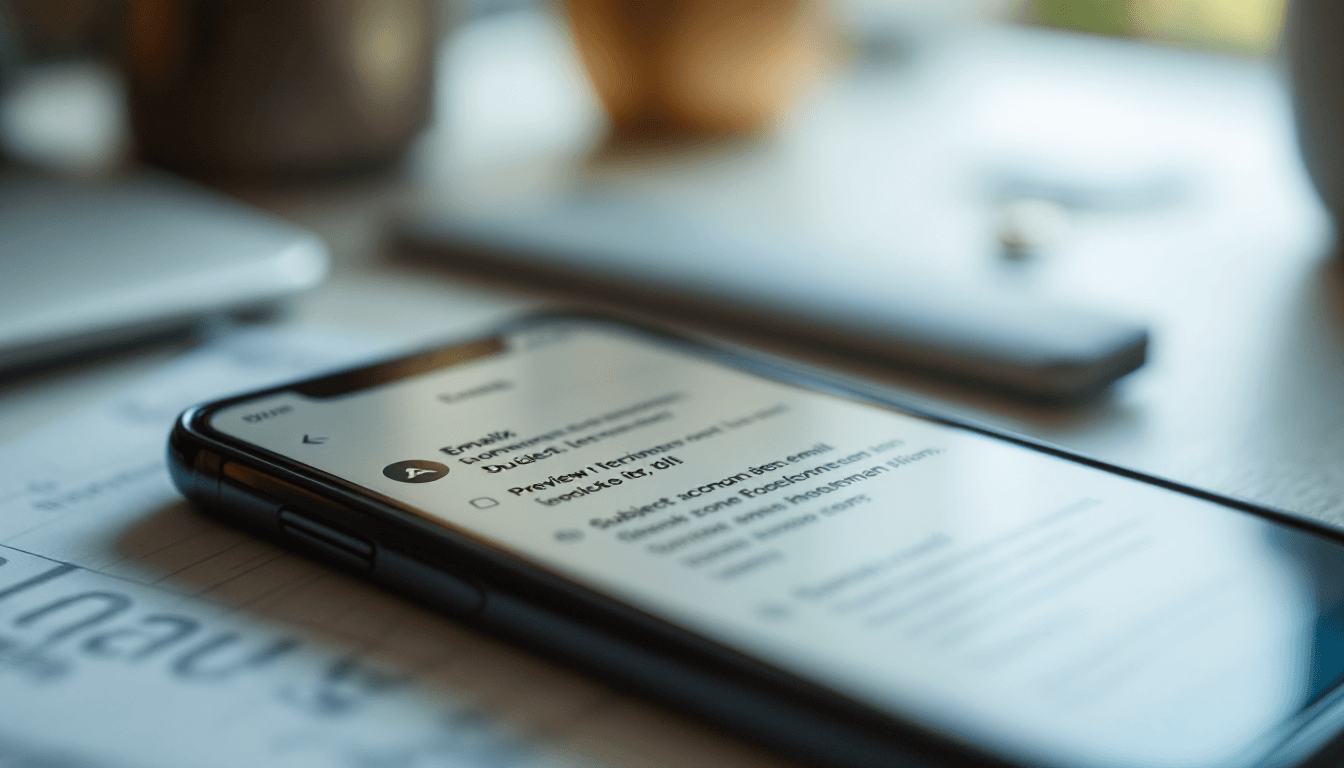
Open your inbox right now. Look at the emails sitting there. You see three things for each one: the sender name, the subject line, and a gray line of text beneath it. That gray text is the preview text (also called preheader text).
Most of the emails in your inbox have garbage preview text. "View this email in your browser." "Unsubscribe | View in browser | Forward." "Having trouble viewing? Click here." These are all default fallbacks because nobody bothered to write actual preview text.
That's a wasted opportunity sitting in front of 100% of your subscribers on every single email you send. The preview text is your subject line's wingman. Together, they form a two-line pitch that determines whether someone opens or scrolls past.
Brands that write intentional preview text see 5-15% higher open rates compared to those using defaults or leaving it blank. That's a meaningful lift from something that takes 30 seconds to write.
What Preview Text Does
In the inbox, your email gets a tiny amount of real estate to convince someone to open. On mobile (where 60-70% of opens happen), the display is:
Line 1: Sender Name — Subject Line Line 2: Preview text (40-90 characters visible depending on device)
On desktop email clients, it's similar but with slightly more preview text visible (up to 140 characters in some clients).
The subject line is your hook. The preview text is your supporting argument. Together, they should tell a complete micro-story that makes opening irresistible.
Good combination: Subject: "Your results from this month" Preview: "Plus the one change we're making in December that you should know about."
The subject creates curiosity. The preview adds intrigue and specificity. Together they're stronger than either alone.
Bad combination: Subject: "New arrivals just dropped" Preview: "View this email in your browser. Unsubscribe. Update preferences."
The subject does its job. The preview undoes it by screaming "this is a mass email from a robot."
Setting Preview Text in Klaviyo
In Klaviyo's email editor, the preview text field is at the top of the template editor, right below the subject line field. It's easy to miss because it's collapsed by default in some views.
Click into it. Write your preview text. Done.
Character limit: Write 40-90 characters for maximum visibility across devices. Under 40 might get padded with email body content. Over 90 gets cut off on mobile.
The padding trick: If your preview text is short, Klaviyo (and other platforms) will pull the beginning of your email body content to fill the remaining preview space. This can create ugly displays like "Preview text... Shop NowFree ShippingHeader Image" if your email starts with a navigation bar or image.
To prevent this, use the hidden text approach: after your visible preview text, add a string of non-breaking spaces or zero-width characters that push the body content out of the preview window. Klaviyo handles this automatically if you fill in the preview text field with enough characters.
Preview Text Formulas That Work
Here are proven formulas for writing preview text that increases opens:
The curiosity gap. Subject teases a topic. Preview opens a loop that can only be closed by opening.
Subject: "We changed our bestseller" Preview: "And the response from customers wasn't what we expected..."
The specificity add. Subject is broad. Preview gets specific.
Subject: "Weekend sale starts now" Preview: "40% off the three collections that sell out fastest."
The social proof injection. Subject states a claim. Preview backs it with proof.
Subject: "The moisturizer that replaced three products" Preview: "2,847 customers switched. Here's why they stayed."
The benefit expansion. Subject names the offer. Preview names the outcome.
Subject: "Free shipping this weekend" Preview: "Order by Sunday 11pm and it arrives before you miss it."
The direct address. Subject is about the product. Preview is about the reader.
Subject: "New arrivals in skincare" Preview: "Based on what you bought last time, you'll want to see #3."
The contrarian hook. Subject makes a statement. Preview challenges expectations.
Subject: "Why we're against daily discounts" Preview: "And what we do instead that actually works better for you."
What NOT to Put in Preview Text
"View this email in your browser." Nobody needs this reminder. It wastes your most visible preview real estate on a utility message.
Repeating the subject line. If your subject says "New arrivals just dropped" and your preview says "Check out our new arrivals!" you've said the same thing twice. Use the preview to ADD information, not echo.
Generic promotional language. "Shop now and save big!" — this could be from any brand, about any product, at any time. It adds nothing specific.
Legal text or disclaimers. Keep this in the footer where it belongs.
Long, wordy sentences. You have 40-90 characters of visibility. Get to the point fast.
Preview Text for Different Email Types
Promotional campaigns: Lead with the specific offer or the most compelling product.
- Subject: "Black Friday starts early for VIPs"
- Preview: "Up to 40% off sitewide. Your code is inside."
Content/newsletter: Lead with the most interesting or surprising topic.
- Subject: "This week in eCommerce"
- Preview: "The pricing hack that increased AOV by $14 overnight."
Flow emails (abandoned cart): Lead with the specific product or urgency.
- Subject: "Still thinking about it?"
- Preview: "Your [Product Name] is waiting — only 4 left in stock."
Flow emails (welcome): Lead with what they'll get from opening.
- Subject: "Welcome! Here's your 15% off"
- Preview: "Plus the insider tip that 80% of new customers miss."
Flow emails (post-purchase): Lead with useful information.
- Subject: "Your order is confirmed"
- Preview: "Expected delivery: Thursday. Plus how to get the most from your purchase."
Testing Preview Text
A/B test preview text independently of subject lines when possible. In Klaviyo, you can A/B test the full email (including preview text), but isolating the preview text variable gives you cleaner data.
Test format:
- Same subject line
- Same email content
- Different preview text only
- Split: 50/50
- Metric: Open rate
What to test:
- Short vs. long (30 chars vs. 80 chars)
- Specific vs. vague ("40% off 3 items" vs. "Big savings inside")
- Question vs. statement ("Ready for your next order?" vs. "New arrivals you'll love")
- Emoji vs. no emoji (some brands see lifts from a single relevant emoji)
- First-person vs. second-person ("We just launched..." vs. "You've never seen...")
Run the test on a minimum of 5,000 recipients per variant to get statistically significant results. Smaller lists can still test but may need multiple tests to confirm patterns.
The Preview Text Workflow
Build preview text writing into your email creation process:
- Write the subject line first
- Immediately write the preview text as a complement (not an echo)
- Read both together and ask: "If I only saw these two lines in my inbox, would I open?"
- If no, rewrite one or both
- Check character count (40-90 visible characters)
This takes an extra 60 seconds per email. Over a year of 2-3 campaigns per week, that's 2-3 hours of work that produces a permanent open rate improvement on every send.
What To Do Right Now
Open your last five campaigns in Klaviyo. Check the preview text field for each. If any of them are blank or contain "View in browser" language, you've identified the gap.
Related Reads
- Email Marketing for Jewelry Brands
- Welcome Sequence Template: The First 5 Emails
- What Percentage of Revenue Should Come From Email?
For your next campaign, spend 60 seconds writing intentional preview text using one of the formulas above. Compare the open rate to your last five campaigns. The improvement should be visible in a single send.
If you want help optimizing every element of your email program — subject lines, preview text, content, design, and send strategy — book a call with our team. We'll audit your current performance and show you where the quick wins are.

Written by Mark Cijo
Founder of GOSH Digital. Klaviyo Gold Partner. Helping eCommerce brands grow revenue through data-driven marketing.
Book a free strategy call →