How to Build a Klaviyo Campaign Calendar That Drives Consistent Revenue
Consistent email revenue comes from a planned campaign calendar, not last-minute sends. Here's how to build one in Klaviyo that keeps revenue coming every month.

Mark Cijo
Founder, GOSH Digital
Most eCommerce brands send emails when they remember to. Someone says "we should send an email" on a Tuesday afternoon, and by Thursday there's a mediocre campaign in inboxes with no strategy behind it.
Then revenue from campaigns is unpredictable. Good months, bad months, no pattern.
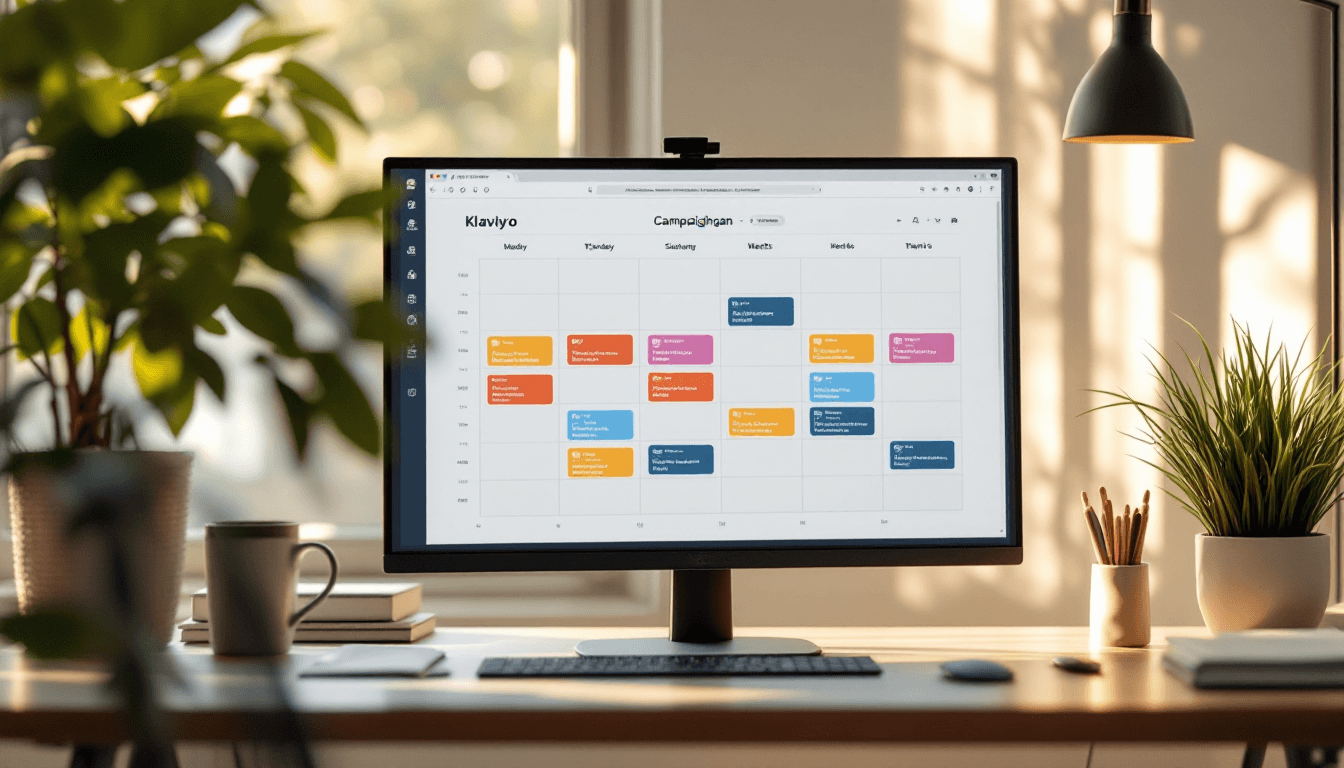
The fix is dead simple: a campaign calendar. Plan your sends in advance, stick to the schedule, and watch campaign revenue stabilize and grow. I'm going to show you exactly how we build campaign calendars for the brands we manage, including the templates, content mix, and frequency that consistently drive results.
Why a Calendar Changes Everything
Without a calendar:
- Campaigns are reactive (sales dips trigger panic sends)
- Content quality is low (rushed production)
- Frequency is inconsistent (3 emails one week, zero the next)
- Segments get random content (no strategic mapping)
- Revenue from campaigns is a rollercoaster
With a calendar:
- Every send is intentional and strategic
- Content is produced with lead time (better quality)
- Frequency is consistent (subscribers know what to expect)
- Content is mapped to segments and buyer stages
- Revenue from campaigns is steady and predictable
The brands that treat email like a content channel (planned, scheduled, strategic) outperform brands that treat it like a megaphone (blast offers when you need revenue) by 2-3x in revenue per subscriber.
The Content Mix That Works
Not every email should sell. If every email is "Buy this! 20% off! Sale ends tonight!" your audience tunes out fast. Unsubscribe rates climb, click rates drop, and the emails that do sell convert at lower rates because nobody trusts you anymore.
Here's the content mix we use:
60% Value/Content Emails:
- Educational content related to your products
- Behind-the-scenes brand stories
- Customer spotlights and UGC features
- How-to guides and tips
- Industry news or trends relevant to your audience
30% Promotional Emails:
- New product launches
- Sales and offers
- Bundle deals
- Limited edition or seasonal products
- Restock notifications
10% Community/Brand Emails:
- Founder updates
- Company milestones
- Cause marketing or social impact stories
- User polls and surveys
- Sneak peeks and early access
This 60/30/10 ratio keeps your audience engaged between sales. When you do send a promotional email, it performs better because your subscribers actually open your emails — they've been conditioned to expect value, not just sales pitches.
Building the Monthly Calendar
Step 1: Set Your Sending Frequency
Minimum: 2 campaigns per week to your engaged segment Optimal: 3-4 campaigns per week for most eCommerce brands Maximum: 5-6 per week (only if your engagement metrics support it)
Start with 2-3 per week if you're not currently on a schedule. Increase only when your unsubscribe rate stays below 0.3% per send and click rates remain stable.
Step 2: Map Content Types to Days
Assign content types to specific days so your team knows what to produce each week.
Example weekly schedule (3 sends/week):
| Day | Content Type | Description |
|---|---|---|
| Tuesday | Value/Educational | How-to, tips, product education |
| Thursday | Promotional | Product feature, new arrival, or offer |
| Saturday | Community/Brand | UGC, customer story, or brand update |
Example weekly schedule (4 sends/week):
| Day | Content Type | Description |
|---|---|---|
| Monday | Value/Educational | Blog post summary, tips, guides |
| Wednesday | Promotional | Product spotlight or category feature |
| Friday | Social Proof | Customer reviews, UGC, testimonials |
| Sunday | Promotional or Brand | Weekend offer or brand/community story |
Why these days? Tuesday-Thursday-Saturday gives you even spacing. Our data across dozens of brands shows that Tuesday and Thursday consistently have the highest open and click rates, while Saturday morning emails have surprisingly high engagement (people are relaxed and browsing on phones).
Step 3: Plan the Monthly Themes
Each month should have a theme or focus that ties your campaigns together. This creates a narrative arc instead of random disconnected emails.
Example monthly plan:
January — New Year, New Products
- Week 1: "New year, new routine" (educational — how to build a routine with your products)
- Week 2: New product launch or seasonal collection
- Week 3: Customer resolution stories (UGC — how customers are using products to hit goals)
- Week 4: End-of-month sale (clear seasonal inventory)
February — Love Your [Skin/Body/Home/Pet]
- Week 1: Self-care tips (educational)
- Week 2: Valentine's Day gift guide (promotional)
- Week 3: Couples/partner content or gift sets
- Week 4: Post-Valentine's treat yourself offer
March — Behind the Brand
- Week 1: Founder story or brand origin
- Week 2: How products are made (process content)
- Week 3: Team spotlight or day-in-the-life
- Week 4: Spring collection launch or seasonal transition
You get the idea. Map 12 months of themes in one sitting. It takes an hour and saves you from "what do we email about this week?" every Tuesday morning.
Step 4: Layer in Promotional Events
Mark the big promotional moments on your calendar first, then build content around them:
Annual tentpole events:
- New Year (January): New year sales, resolution content
- Valentine's Day (February): Gift guides, couples content
- Mother's Day / Father's Day: Gift guides, family content
- Back to School (August): Relevant for certain categories
- Labor Day (September): End-of-summer sale
- Halloween (October): Seasonal content, themed products
- Black Friday / Cyber Monday (November): Major sale event
- Holiday Season (December): Gift guides, shipping deadlines, year-end sales
Brand-specific events:
- Product launch dates
- Anniversary or birthday sales
- Restocks of popular items
- Exclusive collection drops
- Brand milestones (# of customers, # of reviews, revenue milestones)
Promotional email timing around events:
- 7 days before: Teaser / early access for VIPs
- 3 days before: Announcement to full engaged list
- Day of: Launch email with primary offer
- Day 2-3: Reminder with different angle or product focus
- Final day: Last chance urgency email
Segmentation in the Calendar
Not every campaign goes to every subscriber. Build your calendar with segments in mind:
Tier 1 — Most engaged (opened/clicked in last 30 days): Gets all campaigns. They want to hear from you.
Tier 2 — Engaged (opened/clicked in last 90 days): Gets most campaigns. Skip lower-priority brand/community emails.
Tier 3 — Semi-engaged (opened in last 180 days): Gets only your best promotional campaigns and major announcements. 1-2 per week max.
Purchase-based segments:
- Recent buyers (last 30 days): Skip sales emails (they just bought). Send post-purchase content.
- VIP customers (top 20% by LTV): Early access, exclusive offers, brand content.
- Lapsed customers (no purchase in 90+ days): Win-back offers, "what's new" content.
- Non-buyers (on list but never purchased): Education-heavy content, social proof, first-purchase offers.
On your calendar, note which segment each campaign targets. This prevents the #1 email mistake: sending everything to everyone.
The Production Pipeline
A campaign calendar only works if you can produce the content on time. Here's the production timeline we use:
2 weeks before send date:
- Campaign brief created (topic, segment, goal, CTA)
- Copy drafted
1 week before send date:
- Copy approved
- Design started
- Subject lines written (3 options for A/B testing)
3 days before send date:
- Design approved
- Email built in Klaviyo
- Preview and QA (links, images, rendering on mobile)
1 day before send date:
- Final review
- Segment confirmed
- Scheduled in Klaviyo
This timeline means you need to be planning 2 weeks ahead at all times. When you get into a rhythm, it takes about 2-3 hours per week to plan, write, and build 3-4 campaigns.
Measuring Calendar Performance
Track these metrics monthly to evaluate your campaign calendar:
Revenue from campaigns (total and per-send): Is it growing month over month? If you went from 2 sends/week to 4 sends/week, did total revenue increase proportionally, or did you hit diminishing returns?
Revenue per recipient by segment: Is your Tier 1 segment generating more RPR than Tier 3? (It should.) Are any segments underperforming consistently?
Unsubscribe rate trend: If your unsub rate is climbing as you increase frequency, back off. If it's stable, you have room to send more.
Click rate by content type: Which content types drive the most clicks? Double down on what works. If educational content consistently outclicks promotional content, adjust your mix.
Best performing send days and times: After 90 days of consistent sending, you'll have enough data to identify your optimal send days and times. Adjust your calendar accordingly.
A Real Example: Building a Q1 Campaign Calendar
Here's a real Q1 calendar we built for a beauty brand (3 sends/week):
January Week 1:
- Tue: "Your 2026 skincare routine starts here" (Educational — routine building guide)
- Thu: New year collection launch (Promotional — new products)
- Sat: "Meet Sarah — her 6-month transformation" (UGC/Social proof)
January Week 2:
- Tue: "The one step most people skip" (Educational — specific product use tip)
- Thu: "New arrivals: what to try first" (Promotional — product recommendations)
- Sat: "Behind the formulation: how we make [product]" (Brand/process content)
...and so on through March.
Every send has a purpose, a segment, and a content type. Nothing is random. The result: campaign revenue that grows predictably because the audience stays engaged and the content stays relevant.
Start Your Calendar Today
Related Reads
- Email Marketing ROI: The Numbers That Actually Matter
- The Sunset Flow That Saves Your Deliverability
- Klaviyo Flow Revenue Benchmarks: How Do You Compare?
You don't need fancy software. A Google Sheet with columns for date, content type, topic, segment, subject line, and status is enough.
Plan the next 30 days. That's it. You can plan further ahead later. The hardest part is starting.
If you want us to build and manage your entire campaign calendar — strategy, copywriting, design, segmentation, and sending — book a call. We do this for every brand we work with, and it's one of the fastest ways to turn sporadic email revenue into a predictable growth channel.

Written by Mark Cijo
Founder of GOSH Digital. Klaviyo Gold Partner. Helping eCommerce brands grow revenue through data-driven marketing.
Book a free strategy call →